
Updated June 2026
Disclosure: This article may include partner links. If you choose a product through some of our links, we may earn a commission at no additional cost to you. Our recommendations remain independent.
If you are searching for the best Calendly alternatives, you are not alone.
Calendly built its reputation on simplicity: Share a link, Someone picks a time, and the meeting is booked.
But somewhere along the way, the pricing got complicated.
The free plan now limits you to one event type.
The Standard plan costs $10 per seat per month.
For a five-person team, that is $600 a year just to share booking links.
Some users also prefer tools with broader calendar flexibility, simpler pricing, or alternative scheduling workflows.
For small businesses that just need straightforward scheduling, the feature bloat has started to feel like too much.
Too much money for a tool.
The good news is that 2026 has produced genuinely strong Calendly alternatives, and several of them cost less.
Some are cheaper.
Some do more.
And one option on this list uses a one-time pricing model instead of recurring monthly fees.
We evaluated setup experience, pricing, documentation, user reviews, and hands-on workflows where possible for all seven tools on this list.
Here is what we found.
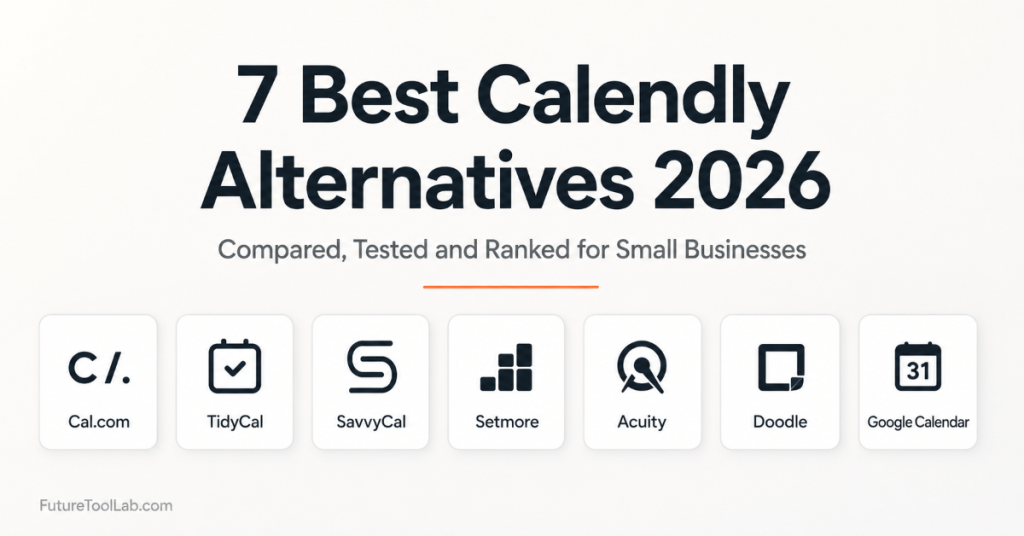
In a Hurry? Here Are the Best Calendly Alternatives at a Glance
🏆 Best Overall – Cal.com Open-source, unlimited on the free tier, and flexible enough for almost any setup.
💰 Best Lifetime Value – TidyCal Pay $29 once and never pay for scheduling again.
👥 Best for Teams – SavvyCal The calendar overlay makes collaborative booking genuinely better than Calendly.
🆓 Best Free Option – Setmore Up to 4 staff calendars, unlimited appointments, zero cost.
📅 Best for Google Users – Google Appointment Scheduler is already inside Google Workspace. Free, familiar, zero setup required.
Quick Winner Summary
Best Calendly Alternatives: Quick Comparison Table
| Tool | Best For | Price | Free | Rating |
|---|---|---|---|---|
| TidyCal | Lifetime value | $29 once | ✅ | 4.8/5 |
| SavvyCal | Teams | $12/mo | ❌ | 4.5/5 |
| Cal.com | Developers | Free | ✅ | 4.6/5 |
| Workspace users | Free | ✅ | 4.0/5 | |
| Setmore | Service biz | Free | ✅ | 4.3/5 |
| Acuity | Client mgmt | $16/mo | ❌ | 4.4/5 |
| Doodle | Group polls | Free | ✅ | 4.2/5 |
How We Chose These Best Calendly Alternatives
We did not rely on vendor marketing pages alone.
For each tool, we evaluated onboarding experience, pricing, documentation, available features, user feedback, and booking workflows where practical.
We also pulled verified reviews from G2, Trustpilot, and Product Hunt to cross-reference with real user experiences.
Our evaluation covered six areas:
Ease of setup – how long to go from signup to a working booking link?
Scheduling experience – how does it feel for the person booking, not just the host?
Integrations – does it connect to tools most small businesses already use?
Pricing – what do you actually pay over 12 months, not just the headline rate?
Long-term value – can you grow with it, or will you outgrow it within a year?
Support – how responsive is the team when something goes wrong?
The 7 Best Calendly Alternatives Reviewed
1. TidyCal
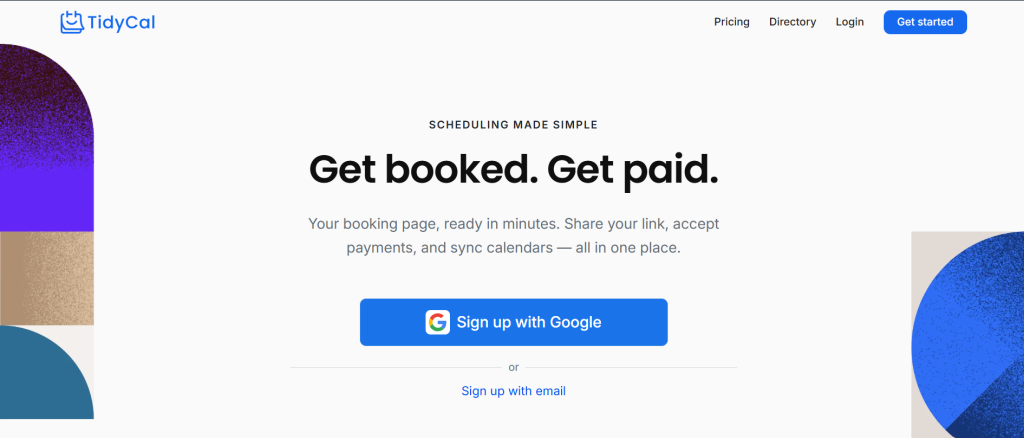
TidyCal is one of the most popular Calendly alternatives for solo users and small businesses.
It is clean, no-frills, and does the core job extremely well.
It is built for solo creators, coaches, consultants, and small business owners.
They want a professional booking page without a monthly subscription eating into their revenue.
The biggest differentiator is the pricing model.
Every other tool on this list charges per month, per seat, or both.
TidyCal charges once.
You pay $29 for lifetime individual access or $79 for the agency plan. After that, nothing.
Our Experience
Setup took under five minutes.
We connected a Google Calendar, created three event types, and had a live booking page ready before our coffee cooled.
The dashboard did not need a tutorial.
It was that straightforward.
One thing we genuinely liked, the booking page felt personal.
It shows your photo, a short bio, and your available session types.
It does not look like a generic tool.
It looks like yours.
One honest frustration: notification emails use TidyCal branding by default on the free plan.
Removing it requires the paid plan, which is still just a one-time $29 payment, but worth knowing before you buy.
Key Features
Unlimited booking types on paid plan.
Google, Microsoft, and Apple calendar sync.
Stripe and PayPal payment collection built in.
Group bookings and round-robin on the Agency plan. One-click Calendly import.
60-day money-back guarantee via AppSumo.
Pricing
Free plan available.
Individual Lifetime: $29 one-time via AppSumo.
Agency Lifetime: $79 one-time via AppSumo.
Calendly Standard costs $120 a year. TidyCal pays for itself in three months.
✓ Clean fast booking experience
✓ Stripe and PayPal built in
✓ One-click Calendly import
✓ Actively updated
✗ No live Zoom/Meet bot
✗ SMS limited to US and Canada
Who Should Choose TidyCal
Solo creators, coaches, consultants, and freelancers who want professional scheduling without paying monthly forever.
Also ideal for agencies that want team scheduling without per-seat pricing.
Who Should Avoid TidyCal
Larger teams that need enterprise-grade routing, CRM automation, or deep Salesforce integration.
Verdict
TidyCal is the best lifetime value booking tool available in 2026.
If your scheduling needs are straightforward, the math is simple. Pay $29 once. Done.
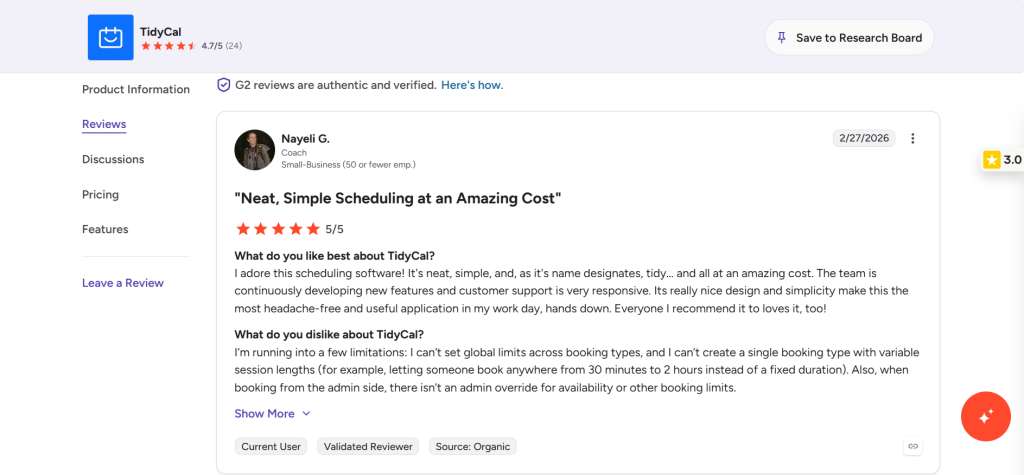
G2 Rating: 4.6/5
Pay once, use forever. No monthly fees, no seat pricing, no surprise billing.
Try TidyCal →2. SavvyCal
SavvyCal takes a different approach to appointment scheduling software.
Instead of just showing your availability, it overlays the booker’s calendar on top of yours.
They see both calendars at once. They pick a time that works for them without any back-and-forth.
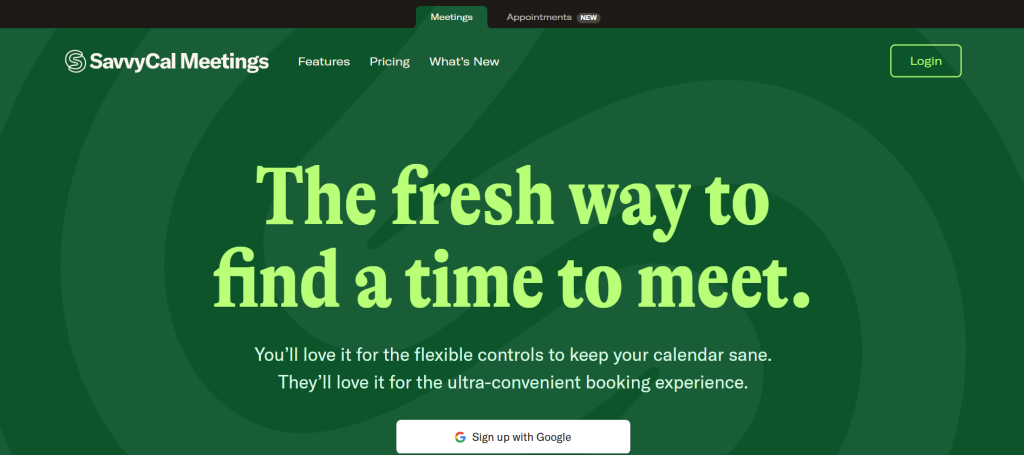
This is SavvyCal’s biggest idea. And it genuinely works.
Our Experience
The calendar overlay impressed us immediately.
When we sent a booking link to a test account, the experience felt collaborative rather than transactional.
The person booking felt like they had genuine input into the process, not just a few available slots to pick from.
The setup was clean.
The interface is polished.
It feels like a tool that was designed with real thought behind it.
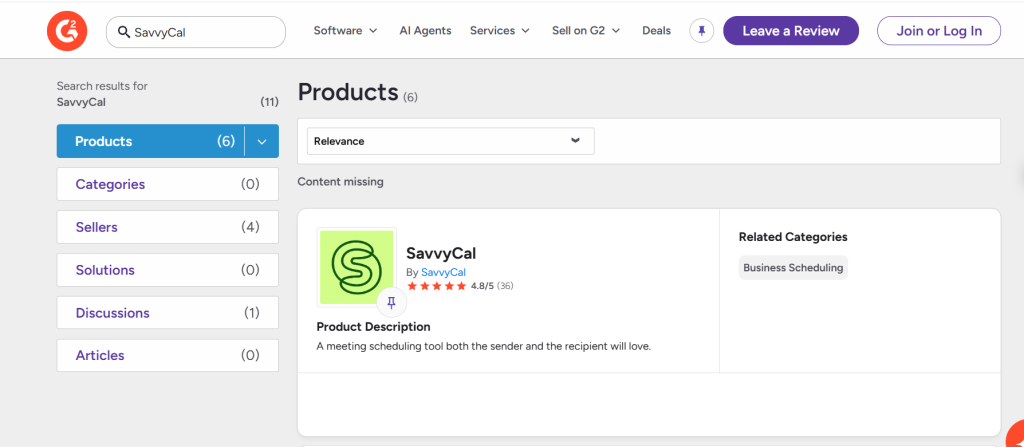
One honest note: there is no free plan.
Entry price is $12 per month.
Compared to TidyCal’s $29 lifetime, SavvyCal costs more in under three months.
Key Features
Calendar overlay for collaborative scheduling. Custom links per meeting type. Group polls for finding mutual availability. Native Zoom, Google Meet, and Teams links. Zapier integration and API access.
Pricing
Basic: $12/month per user.
Premium: $20/month per user.
No free plan. 14-day free trial available.
✓ Clean professional interface
✓ Good for complex team scheduling
✗ More expensive than TidyCal long-term
✗ Smaller integration library
Who Should Choose SavvyCal
Consultants and agencies that book a lot of external client meetings want a more collaborative booking experience.
Who Should Avoid SavvyCal
Solo users or anyone where the monthly cost will add up faster than the feature value justifies.
Verdict
SavvyCal is the most thoughtfully designed scheduling platform on this list.
The calendar overlay alone is worth exploring.
But for most small businesses, the pricing makes TidyCal the stronger long-term choice.
3. Cal.com
Cal.com is one of the best Calendly alternatives for users who want open-source flexibility and a generous free tier.
It is the choice for developers, technical teams, and businesses that want complete control over their scheduling infrastructure.
Including the ability to self-host the entire platform on their own servers.
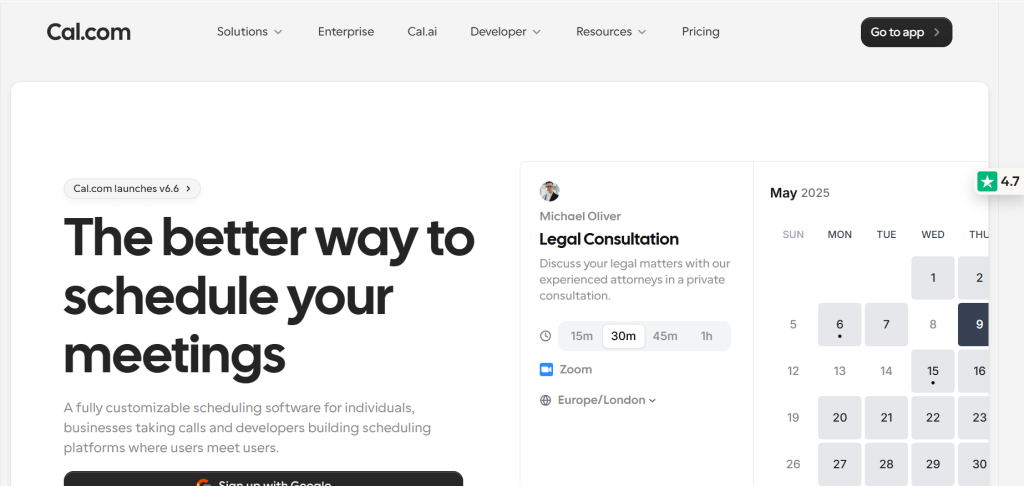
If data privacy, customization, and flexibility are priorities, Cal.com is the most powerful free option on this list.
Our Experience
The cloud-hosted version is genuinely easy to set up.
We had a working booking page in minutes.
The interface is clean and modern. Feature-wise, it rivals Calendly even on the free tier.
Where it gets more complex is self-hosting.
That requires technical knowledge.
For non-technical users, the cloud version is the right choice.
One standout we noticed: Cal.com supports connecting multiple calendars per user on the free tier. Calendly gates this to higher-paid plans.
Key Features
Unlimited event types on the free plan. Round-robin, collective, and team scheduling.
750+ integrations via native connections and Zapier.
Custom workflows and automated reminders.
Embeddable booking widget. GDPR compliant with EU data hosting options.
Pricing
Free: unlimited bookings, core features.
Teams: $15/user/month for advanced team features.
Self-hosted: completely free.
✓ Open-source and fully customizable
✓ Multiple calendars on free tier
✓ Strong integration library
✗ Some features gated to paid plan
✗ Support slower on free tier
Who Should Choose Cal.com
Developers, technical founders, and teams that want maximum flexibility and data control at no cost.
Who Should Avoid Cal.com
Non-technical users who need reliable support and a fully managed setup out of the box.
Verdict
Cal.com is the best free Calendly alternative for technically confident users.
For everyone else, TidyCal or Setmore is a more accessible starting point.
4. Google Appointment Scheduler
If your business runs on Google Workspace, you already have a scheduling tool you may not know exists.
Google Appointment Scheduler is built directly into Google Calendar.
You create appointment slots, share a booking link, and people book time with you without leaving the Google ecosystem.
It is not the most powerful option on this list.
But for Google Workspace users, it is free and already there.
Our Experience
Finding it was the hardest part.
In Google Calendar, click Create and select Appointment Schedule.
Set your availability, name the appointment type, and get a shareable link. Done.
The booking page is clean and minimal. It works.
What it lacks is depth.
No payment integrations.
No custom branding beyond your Google profile.
No SMS reminders. No team routing.
It is calendar booking software at its most basic.
For a solo professional who just wants clients to book a call without back-and-forth emails, it handles that job adequately.
Key Features
Built into Google Calendar with no new tool needed.
Shareable booking link with availability sync. Automatic Google Meet link generation.
Works with Google Workspace accounts.
Pricing
Free with Google Workspace.
Workspace Individual plan: $9.99/month.
✓ Zero extra cost
✓ Familiar Google interface
✗ No custom branding
✗ No SMS reminders
✗ Very basic feature set
Who Should Choose It
Google Workspace users who need basic scheduling without adding another tool or a monthly cost.
Who Should Avoid It
Anyone who needs payments, custom branding, team scheduling, or any kind of advanced booking workflow.
Verdict
Free and functional. But if you need anything beyond a basic booking link, every other tool on this list serves you better.
5. Setmore
Setmore is built for service businesses.
Hair salons, fitness studios, tutoring services, therapy practices, and clinics.
Any business that needs to manage staff, locations, services, and client appointments in one place.
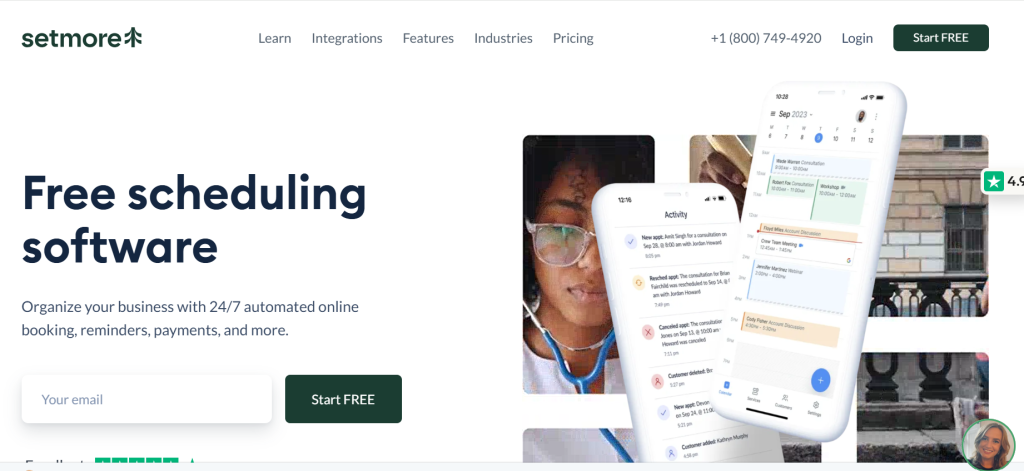
It is one of the few meeting schedulers on this list with a genuinely useful free plan.
The free tier includes up to four staff calendars, unlimited appointments, and a branded booking page.
That covers most small service businesses without spending a penny.
Our Experience
We appreciated how quickly multi-staff scheduling came together.
Setting up three staff members, assigning services to each, and creating a public booking page took about 15 minutes.
The booking experience for the end user was smooth.
The mobile app stood out. It is one of the better mobile scheduling experiences we tested across all seven tools.
One limitation we noticed: the free plan shows Setmore branding on booking confirmation emails.
Removing it requires the paid plan at $5 per seat per month.
Key Features
Up to 4 staff calendars on the free plan.
Service and staff management are built in.
Instagram, Facebook, and Google booking integrations.
Stripe payments on the paid plan.
Telehealth video appointments. iOS and Android apps.
Pricing
Free: up to 4 staff, unlimited appointments.
Pro: $5/user/month billed annually.
✓ Built for appointment businesses
✓ Excellent mobile app
✓ Social media booking integrations
✗ Less suited for consultants
✗ Payments require paid plan
Who Should Choose Setmore
Service businesses with staff and physical locations. Salons, studios, clinics, tutors, and similar appointment-based operations.
Who Should Avoid Setmore
Coaches, consultants, and knowledge workers who need a more personal and customizable booking experience.
Verdict
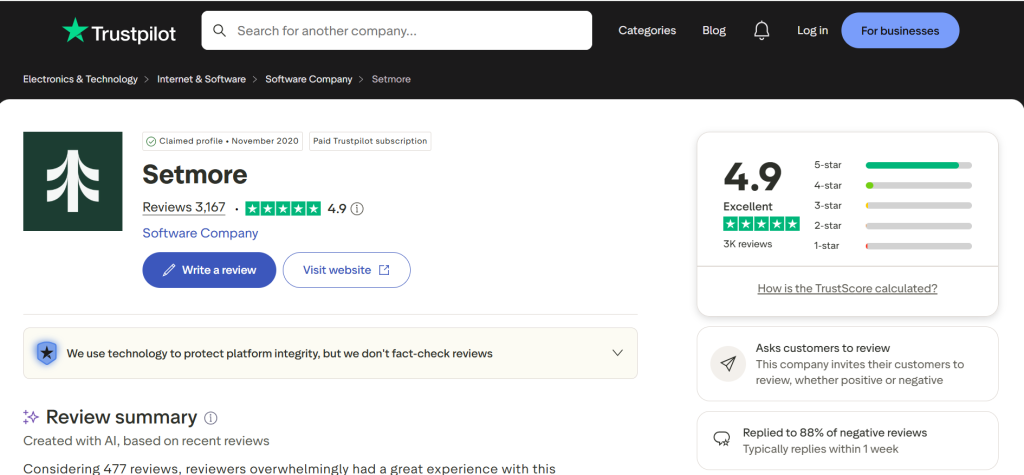
Setmore is the best free option for service-based businesses with multiple staff.
For everyone else, TidyCal or Cal.com is a better fit.
6. Acuity Scheduling
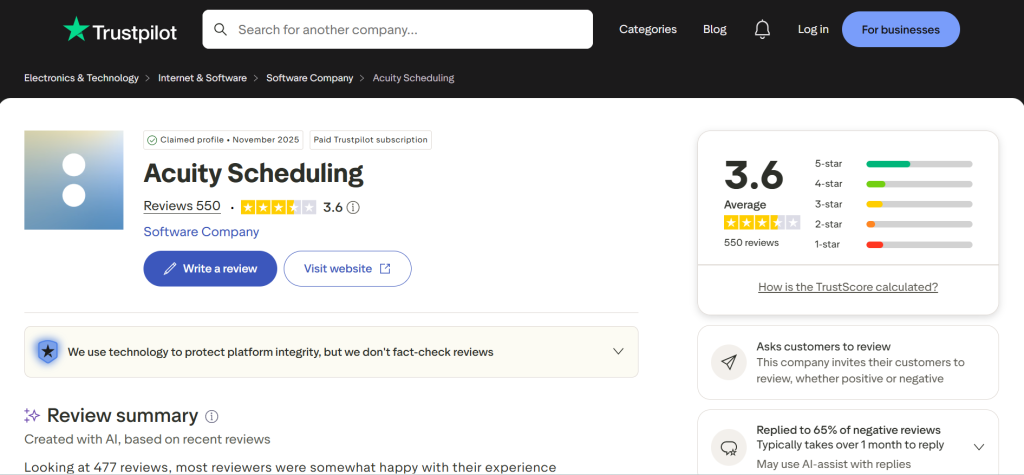
Acuity Scheduling is the most client-management-focused tool on this list.
It is designed for service providers who need more than a booking link.
Intake forms, packages, memberships, contracts, waivers, and detailed client records all live inside Acuity.
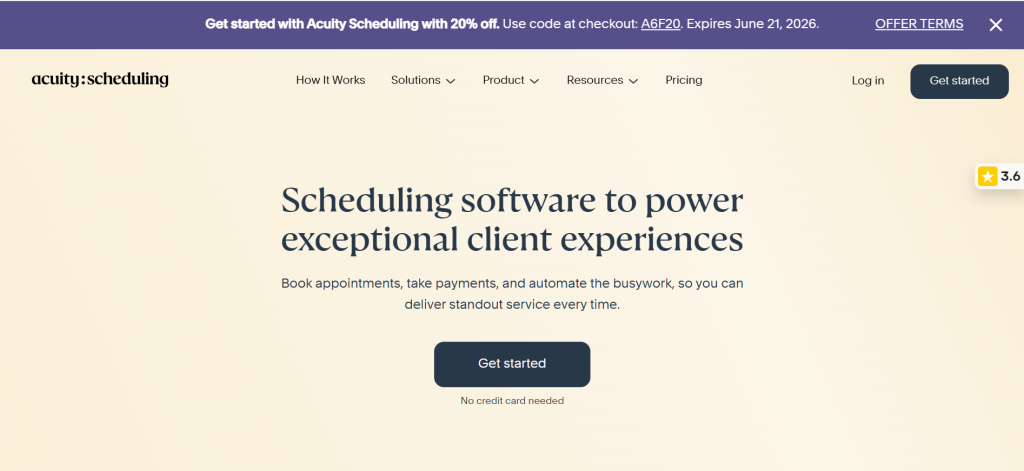
If your business involves managing ongoing client relationships alongside appointments, Acuity handles that better than any other tool here.
Our Experience
The depth of client management features impressed us.
Setting up an intake form that collected client information before a first appointment, with that information automatically saved to a client profile, felt genuinely professional.
The flip side is complexity.
Acuity has a steeper learning curve than TidyCal or Cal.com.
It takes longer to configure and requires more setup to get right.
It is also the most expensive option on this list for solo users, starting at $16 per month.
Key Features
Intake forms and custom questions before booking.
Client packages and subscription memberships.
Digital contracts and liability waivers.
Gift certificates and coupon codes.
Group classes and workshops.
Advanced reporting and revenue tracking.
Pricing
Emerging: $16/month (1 user).
Growing: $27/month (up to 6 users).
Powerhouse: $49/month (up to 36 users).
No free plan. 7-day free trial available.
✓ Packages and memberships built in
✓ Professional intake forms
✓ Trusted by thousands of businesses
✗ Steeper learning curve
✗ No free plan
Who Should Choose Acuity
Coaches, therapists, fitness professionals, and service providers who manage ongoing client relationships and need more than a basic booking page.
Who Should Avoid Acuity
Solo consultants or freelancers who only need a simple booking link. The cost and complexity are overkill.
Verdict
Acuity is the right choice when client management depth matters more than price.
For simpler needs, TidyCal delivers more value at a fraction of the long-term cost.
7. Doodle
Doodle built its reputation on one thing.
Group meeting coordination.
When you need to find a time that works for five, ten, or twenty people across different organizations and time zones, Doodle’s polling system is still the most widely used solution.
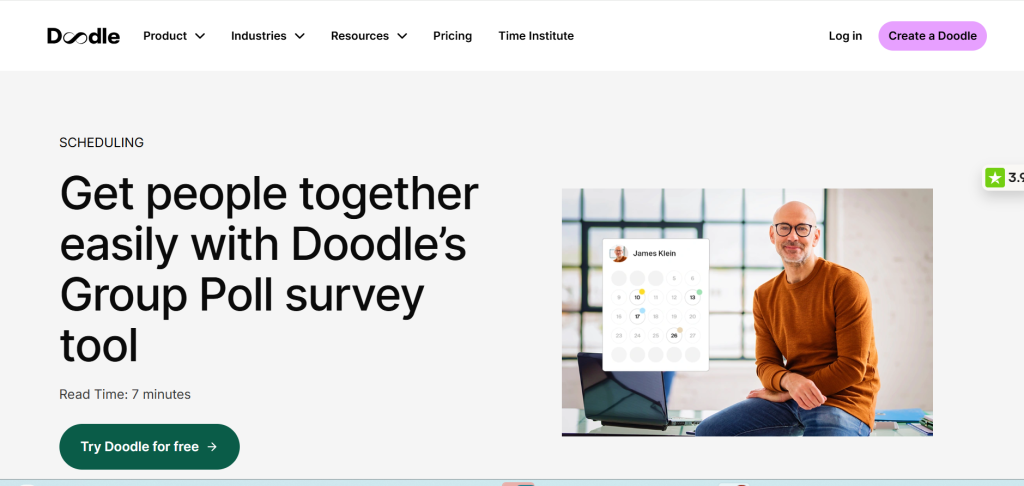
It is a different use case from every other tool on this list.
Most calendar booking software solves a one-to-one problem. One host, one guest, one booking.
Doodle solves the one-to-many problem. Getting a group to agree on a time without an inbox full of replies.
Our Experience
The group poll feature worked exactly as expected.
We created a poll with five time options and shared the link with a test group.
Everyone voted within minutes.
No onboarding needed.
The interface is intuitive enough that anyone can respond immediately.
The 1:1 booking page feature is functional but noticeably less polished than Calendly or TidyCal.
It is not where Doodle shines.
Key Features
Group polls for multi-participant scheduling.
1:1 booking pages.
Sign-up sheets for open slots.
Google Meet, Zoom, Teams, and Webex integration.
Stripe payments on the paid plan.
AI-generated meeting descriptions on Pro.
Pricing
Free: basic group polls with ads.
Pro: $6.95/month per user.
Team: $8.95/month per user.
✓ Simple familiar interface
✓ Works without requiring accounts
✓ Widely trusted
✗ Free plan shows ads
✗ Not ideal as primary tool
Who Should Choose Doodle
Anyone who regularly coordinates meetings with external groups, runs team planning sessions, or manages recurring group availability.
Who Should Avoid Doodle
Solo creators and small businesses that primarily need 1:1 booking pages. Other tools on this list do that better.
Verdict
Doodle is a specialist tool.
For group scheduling polls, it remains the category leader. For everything else, look elsewhere.
Full Feature Comparison
Why People Leave Calendly
How to Choose the Best Calendly Alternative for Your Business
This depends entirely on your situation.
You are a solo creator, coach, or freelancer.
Start with TidyCal. The lifetime pricing removes the monthly cost forever.
The features cover everything you need. And the Calendly import makes migration painless.
You run a small agency or team.
TidyCal Agency at $79 lifetime covers round-robin and team scheduling without per-seat monthly fees.
SavvyCal is worth considering if your team does a lot of collaborative external scheduling.
You run a service business with staff and locations.
Setmore’s free plan handles multi-staff appointment booking better than anything else at no cost.
Upgrade to Acuity if you need packages, waivers, and deep client management.
You are already inside Google Workspace.
Google Appointment Scheduler handles basic booking for free. Move to TidyCal when you need payments, branding, or anything beyond a basic link.
You regularly coordinate group meetings.
Doodle is still the best tool for group polls. Combine it with TidyCal for your 1:1 booking needs.
You are technically confident and want maximum control.
Cal.com self-hosted is the most powerful free option available. No monthly fees, no vendor lock-in, complete customization.
Switching to One of These Best Calendly Alternatives: Migration Checklist
Moving to a new scheduling tool is easier than most people expect.
Export your event settings first.
Before switching, note down your current event types, durations, buffer times, and availability windows.
Most tools do not auto-import this from Calendly.
Connect your calendar.
Every tool on this list supports Google and Outlook.
Connect yours first before building anything else.
This is the foundation on which everything else depends.
Rebuild your availability.
Set your working hours, days off, and minimum notice periods. Get this right before you go live.
Import or rebuild your event types.
TidyCal and Cal.com both have Calendly import features. For other tools, recreate your event types manually.
Test your booking links before sharing.
Book yourself from a separate device. Check the confirmation email, the calendar invite, and the reminder flow.
Send updated links to your audience.
Update your email signature, website, social media bios, and any automated emails that contain your old Calendly link.
Verify reminders are working.
Send yourself a test booking and confirm the reminders arrive at the right time.
Run one live booking with a real person.
Before fully committing, have a trusted client or colleague book through the new system.
Their experience tells you more than any internal test.
☐ Export event settings
☐ Connect your calendar
☐ Rebuild availability
☐ Test booking links
☐ Import or rebuild event types
☐ Send updated booking links
☐ Verify reminders
☐ Run a live booking test
Final Verdict
Frequently Asked Questions About the Best Calendly Alternatives
Is there a completely free alternative to Calendly?
Yes. Cal.com, Setmore, Google Appointment Scheduler, and Doodle all offer free plans with core scheduling features.
TidyCal also has a free plan before upgrading to the lifetime deal.
Is TidyCal worth it compared to Calendly?
For most solo users and small businesses, yes.
TidyCal covers the core scheduling needs at a one-time cost of $29.
Calendly Standard costs $120 per year.
TidyCal pays for itself in three months and then costs nothing forever.
Can I migrate from Calendly to TidyCal?
Yes. TidyCal has a built-in Calendly import feature.
Your event types and settings transfer without manual rebuilding.
Which Calendly alternative is the easiest to set up?
TidyCal and Google Appointment Scheduler are the quickest to get live.
Both have a working booking page in under five minutes.
Does Cal.com work without technical knowledge?
The cloud-hosted version is beginner-friendly.
Self-hosting requires technical confidence.
For non-technical users, the cloud version is the right choice.
Which tool is best for a hair salon or fitness studio?
Setmore. It is specifically designed for service businesses with multiple staff and appointment types.
The free plan covers most small studios without any cost.
Which alternative works best for group meetings?
Doodle is still the category leader for multi-participant group scheduling polls.
No other tool on this list handles that use case as well.
Is Acuity Scheduling worth the price?
For service providers who need client intake forms, packages, memberships, and waivers, yes.
For straightforward scheduling, the price is overkill compared to TidyCal or Cal.com.
Can I use multiple scheduling tools at the same time?
Yes. Many businesses use one tool for internal meetings and another for external client booking.
There is no rule against using two tools for different purposes.
Are lifetime scheduling tools safe to buy?
Lifetime deals work best when the software is actively developed and has a sustainable business model.
TidyCal is backed by AppSumo’s 60-day guarantee and has a consistent update history.
Always check review recency before buying any lifetime deal.
Which tool feels most similar to Calendly?
SavvyCal and TidyCal provide the closest booking experience to Calendly for most users.
TidyCal is simpler and more affordable.
SavvyCal adds the calendar overlay that Calendly does not have.
All pricing and features reflect publicly available information as of June 2026. Always verify current pricing directly on each tool’s website before making a decision.
Our Recommendation
These are our top picks from the best Calendly alternatives available in 2026.
Choose Cal.com if flexibility and open-source control matter most to you.
Choose TidyCal if long-term value and no monthly fees matter most.
Choose Setmore if you need a free plan that covers real team scheduling.
Choose SavvyCal if booking quality and the collaborative calendar experience matter most.
Still Unsure?
Start with the free options first.
If monthly subscriptions are your biggest frustration, TidyCal remains our favorite long-term value pick.
If flexibility matters most, start with Cal.com.
Related Articles on FutureToolLab
- TidyCal vs Calendly: The Honest 2026 Verdict
- Best AppSumo Lifetime Deals: 5 Honest Picks (2026)
- How to Sell Your Skills Online and Make Real Money in 2026
- How to Start a Profitable Blog in 2026 (Beginner’s Guide)
Explore more in-depth software reviews, AI tool guides, and the best deals at FutureToolLab.com
Share the best Calendly alternatives