
Disclosure: This article may include partner links. If you buy through them, we may earn a commission at no additional cost to you.
Choosing the right business software for small businesses is not about having the most tools.
Most small businesses do not fail because they lack software.
They fail because they adopt too many tools too early.
A new business owner discovers a productivity app, then a CRM, then a project manager, and a marketing platform.
Then, five more things someone recommended in a YouTube video.
Before long, they are paying for eight subscriptions and using none of them properly.
The right approach to business software for small businesses is simple: one tool per core function, used consistently.
The businesses that run well are not using the most tools. They are using the right ones consistently.
Every small business needs five systems.
And the business software for small businesses that covers all five does not have to be complicated or expensive.
One system to manage customers, one to keep the team aligned, one to handle money, one to execute work.
And one to grow the customer base.
That is it.
This guide covers the business software for small businesses that actually fills those five roles in 2026, without the noise, without the overcomplicated stack, and without the expensive mistakes.
Section 1: Customer Management – HubSpot CRM
What Customer Management Software Actually Does
A CRM – Customer Relationship Management tool is where your business keeps track of every person it has ever spoken to.
Every lead. Every client. Every follow-up that needs to happen.
Without one, that information lives in email threads, spreadsheets, and people’s heads. When someone leaves the business, the relationship history leaves with them.
A CRM keeps the whole picture in one place.
Signs You Need a CRM
You have more than ten active clients or prospects.
You have missed a follow-up in the past month.
You cannot immediately answer how many leads you have right now and where each one stands.
If any of those are true, a CRM is not optional. It is the foundation of a functioning sales and client process.
When Spreadsheets Stop Working
Spreadsheets work at the very beginning.
But they break down the moment you need to track communication history, set reminders, share pipeline visibility with a team, or report on conversion rates.
A CRM does all of that automatically.
Who Should Not Use a CRM Yet
If you have fewer than five active clients and you are still validating your business model, a CRM adds complexity you do not need yet.
Focus on getting clients first. Add the CRM when you have enough activity that things are starting to fall through the cracks.
HubSpot CRM Overview
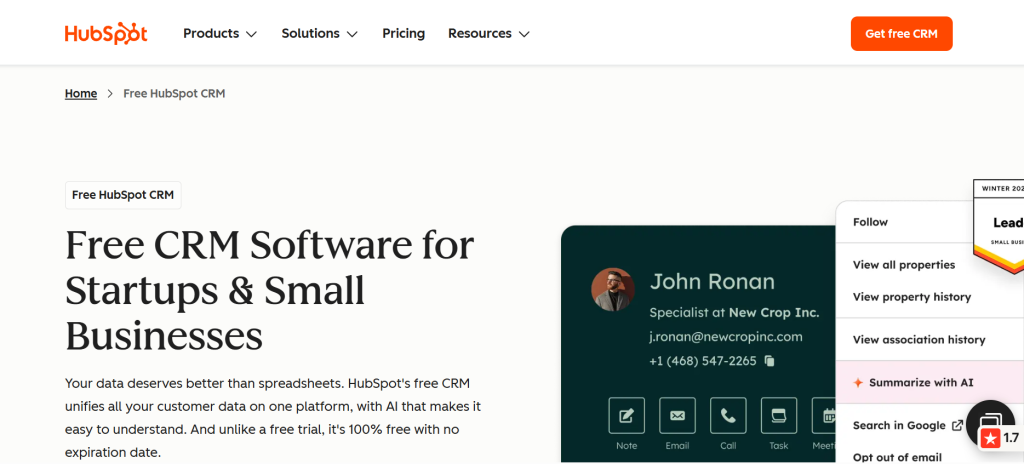
HubSpot is the most widely used CRM for small businesses in 2026 and for good reason. You can learn more at hubspot.com.
The free tier is genuinely capable.
Contact management, deal pipelines, email tracking, meeting scheduling, and basic reporting are all included at no cost.
It scales as your business grows, with paid tiers that add marketing automation, advanced reporting, and sales sequences.
Key features: Contact and company records, deal pipeline, email integration, meeting scheduler, reporting dashboard, and mobile app.
Pricing: Free plan available. Starter plans from $15/month per seat.
Who it fits: Service businesses, agencies, consultants, coaches, and any business that manages ongoing client relationships.
Who should avoid it: Pure e-commerce businesses or businesses where every transaction is a one-off with no repeat customer relationship.
Final recommendation: Start with HubSpot’s free CRM, and set it up properly before adding any other tool.
A well-used CRM is worth more than five poorly-used tools combined.
Section 2: Team Communication – Slack
The Real Cost of Email Chaos
Email was not designed for internal team communication.
It is slow, fragmented, and creates information silos.
A question that should take 30 seconds to answer turns into a three-hour email chain.
Decisions get buried in threads.
New team members have no context for anything that happened before they joined.
Slack solves this by making team communication faster, more organized, and searchable.
Faster Decisions
Conversations that would take a full day over email resolve in minutes on Slack.
Channels keep topics separated. Direct messages keep one-to-one conversations clean. Threads keep discussions organized without cluttering the main channel.
The result is a team that moves faster with less friction.
Remote Coordination
For businesses with remote team members, freelancers, or contractors, Slack creates a shared workspace that replaces the office hallway conversation.
Status updates, quick questions, file sharing, and async communication all happen in one place, regardless of where the team is located.
Slack Overview
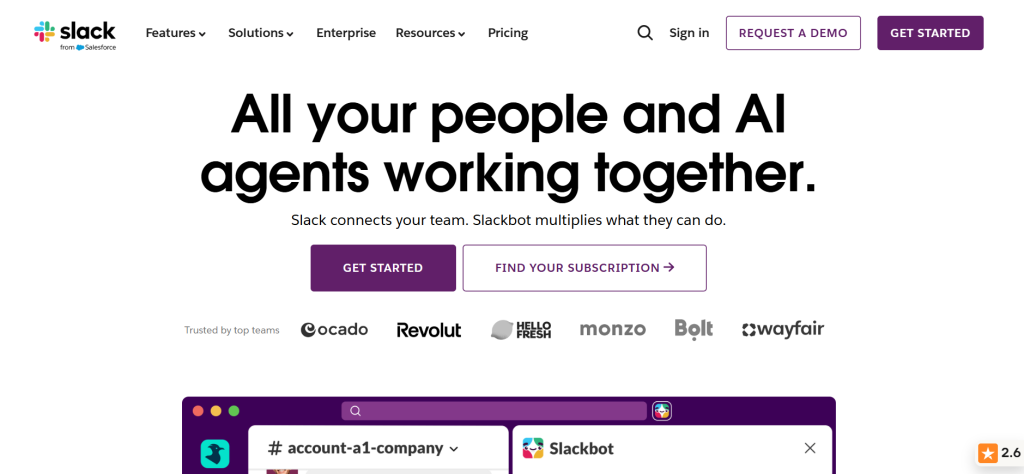
Slack is the standard for team messaging in small and mid-sized businesses. More details available at slack.com.
The free plan supports unlimited users and message history for the last 90 days, which is more than enough for most early-stage businesses.
Key features: Channels, direct messaging, threads, file sharing, search, integrations with most business tools, mobile app.
Pricing: Free plan available. Pro plan from $7.25/month per user.
Who it fits: Any business with two or more people who need to communicate and collaborate.
Who should avoid it: Solo operators with no team who just need a personal task manager.
Final recommendation: Set up Slack before your team grows. Creating a communication structure early is significantly easier than retrofitting it later.
Section 3: Accounting and Finance – QuickBooks
Why Most Small Businesses Collapse Financially
The number one reason small businesses fail is not a bad product or poor marketing.
It is cash flow.
Businesses that look profitable on paper run out of money because they do not track the difference between revenue and actual cash in the bank.
- Invoices go unpaid for 60 days.
- Tax obligations accumulate quietly.
- Expenses grow faster than revenue.
- And by the time the problem is visible, the runway is already gone.
Accounting software does not prevent every financial problem. But it makes the problems visible early enough to act on them.
Profit vs Revenue – Why It Matters
Revenue is money promised to you.
Profit is money you have after paying for everything.
Most small business owners track revenue and feel good about their numbers.
Then they are surprised when the bank account does not reflect the business they think they are running.
Accounting software forces you to see both numbers clearly.
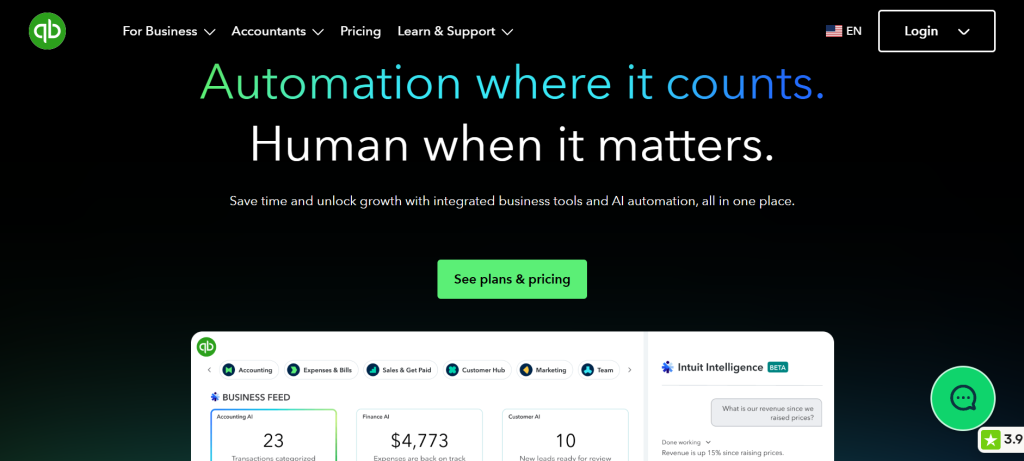
QuickBooks Overview
QuickBooks is the most widely used small business accounting software in the world.
It handles invoicing, expense tracking, bank reconciliation, payroll, tax preparation, and financial reporting.
It connects directly to bank accounts and major payment processors so that most of the data entry happens automatically.
For a business that has outgrown manual spreadsheet bookkeeping, QuickBooks is the most complete and reliable option available.
Key features: Invoicing, expense tracking, bank feeds, profit and loss reports, cash flow forecasting, payroll, tax filing support, and accountant access.
Pricing: Plans start from $17.50/month. Free 30-day trial available.
Who it fits: Any business generating regular revenue that needs proper financial records, particularly service businesses, product businesses, and any business with employees.
Who should avoid it: Businesses in the very earliest stage with minimal transactions might find a simpler tool sufficient to start. QuickBooks becomes essential as volume grows.
Final recommendation: Do not wait until tax season to sort out your finances. Start with QuickBooks early, connect your bank account, and let it track your financial picture automatically from day one.
Section 4: Project Management – ClickUp
The Hidden Cost of No System
When work lives in email inboxes, Slack messages, and people’s memories, things get missed.
Deadlines slip. Accountability disappears. The same conversation happens twice because nobody wrote down what was decided the first time.
Project management software is not about bureaucracy. It is about making sure work actually gets done.
Deadlines and Accountability
When every task has an owner, a due date, and a status, the question of whether something is done or not has a clear answer.
That visibility changes team behaviour. Things that used to slip now get done because everyone can see what is in progress and what is overdue.
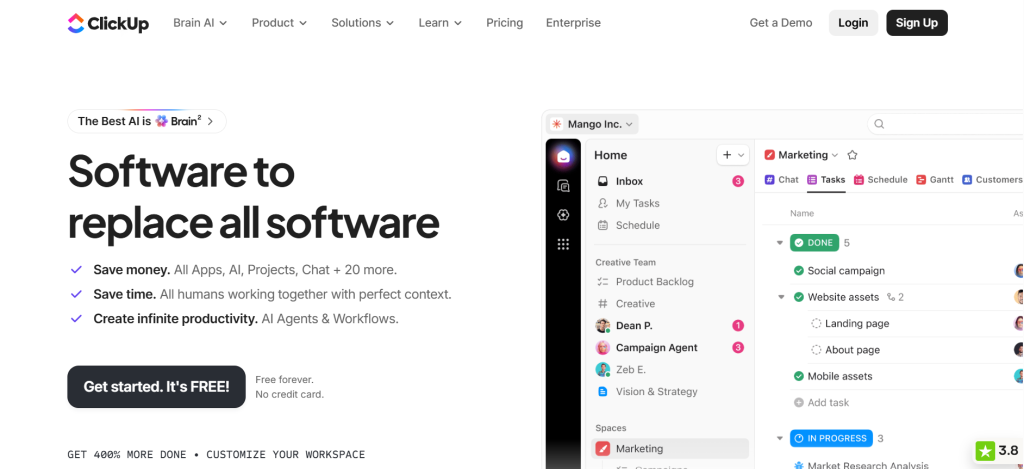
ClickUp Overview
ClickUp is one of the most capable project management tools available for small businesses.
Learn more at clickup.com, with a free tier that covers most of what a small team needs.
It handles tasks, projects, documents, goals, and time tracking in one place.
Unlike tools that lock core features behind paywalls, ClickUp’s free plan is genuinely usable for a team getting started.
Key features: Tasks and subtasks, project boards, list and calendar views, docs, goals, time tracking, dashboards, integrations with Slack and Google Workspace.
Pricing: Free plan available. Unlimited plan from $7/month per user.
Who it fits: Any business managing ongoing work with deadlines, multiple team members, or client deliverables.
Who should avoid it: Solo operators with very simple workflows who find the interface more complex than they need.
Final recommendation: Start with ClickUp’s free plan. Set up one project, add your team, and run one full work cycle through it before evaluating whether to upgrade.
Section 5: Marketing and Customer Growth – Mailchimp
The Problem With Social Media Dependency
Most small businesses build their audience on social media and then discover one day that the algorithm changed, reach dropped, and the audience they spent years building is no longer accessible.
An email list is the one audience you actually own.
- No algorithm controls it.
- No platform can take it away.
- The people on your list chose to hear from you,
- and you can reach them directly whenever you have something worth saying.
Customer Follow-Up and Retention
Acquiring a new customer costs significantly more than retaining an existing one.
Email is the most consistent way to stay in front of customers between transactions, remind them why they chose you, and give them reasons to come back.
Done well, a small email list outperforms a large social media following in both engagement and conversion.
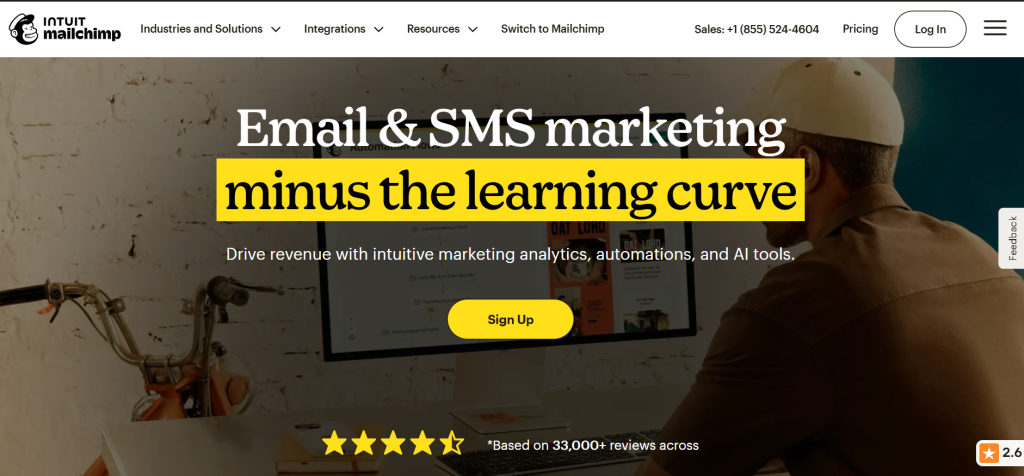
Mailchimp Overview
Mailchimp is the most accessible email marketing platform for small businesses starting.
More at mailchimp.com.
The interface is straightforward. Templates are available for common use cases.
Automation for welcome sequences, follow-up emails, and re-engagement campaigns can be set up without technical knowledge.
Key features: Email campaigns, audience segmentation, automation, landing pages, signup forms, A/B testing, analytics.
Pricing: Free plan for up to 500 contacts and 1,000 emails per month. Essentials plan from $13/month.
Who it fits: Any business that wants to build a direct communication channel with customers and prospects without depending on social media reach.
Who should avoid it: Businesses with no existing audience or content strategy yet. Build something worth sending before building the list.
Final recommendation: Set up a Mailchimp account and create one simple welcome email for new subscribers.
Start collecting emails from your first customer onwards. The list you build in year one will still be delivering value in year five.
How These Five Business Software Systems Work Together for Small Businesses
These are not five separate tools.
They are one connected system for running a business.
HubSpot tracks who your customers and prospects are. Slack keeps your team aligned on what is happening. QuickBooks shows whether the business is financially healthy.
ClickUp makes sure work gets done on time. Mailchimp keeps your customers coming back.
- Each system feeds the others.
- A lead in HubSpot becomes a project in ClickUp.
- A completed project triggers a Mailchimp follow-up sequence.
- QuickBooks shows you whether that project was profitable.
That is a business operating with clarity.
For scheduling and booking, read our guide to the best Calendly alternatives for 2026.
For building the skills to use these tools effectively, see our top 10 digital skills guide for 2026.
For affordable software access through lifetime deals, see our review of whether AppSumo is worth it in 2026.
Frequently Asked Questions
What software does every small business need?
Every small business benefits from five core categories: a CRM for customer management, a communication tool for team alignment, accounting software for financial clarity, a project management tool for execution, and an email marketing platform for customer retention.
HubSpot, Slack, QuickBooks, ClickUp, and Mailchimp cover all five.
How many software tools should a small business use?
Fewer than most people think. Five well-used tools outperform fifteen partially-used ones. Start with one tool per core function and only add more when a genuine gap appears in your workflow.
Should small businesses use free software?
Yes, where the free tier genuinely meets your current needs. HubSpot, Slack, ClickUp, and Mailchimp all have free plans that are usable for early-stage businesses.
Upgrade when the limits become real constraints, not before.
What software is worth paying for?
Accounting software is the one category where paying from the start makes sense.
The cost of getting your finances wrong outweighs any savings from using a free or underpowered tool. QuickBooks is worth the investment from the moment your business generates regular revenue.
Can one software replace all business tools?
Not effectively. All-in-one platforms exist, but they typically do each function at a lower quality than dedicated tools.
The five-system approach recommended here uses the best tool for each specific job while keeping the total number of tools manageable.
What business software should I buy first?
- Start with whatever addresses your most immediate pain point.
- If you are losing track of clients, start with HubSpot.
- If your finances are unclear, start with QuickBooks.
- If your team is disorganized, start with Slack or ClickUp.
- Solve the most painful problem first and build from there.
Final Verdict on Business Software for Small Businesses
Most businesses do not need more software.
They need fewer tools used consistently.
The five systems in this guide have been chosen because they cover the essential functions of a small business without creating unnecessary complexity.
Each one has a free tier that lets you start without financial risk. Each one scales as your business grows.
Pick the category that matches your biggest current problem. Set it up properly. Use it consistently for 90 days before considering anything else.
That discipline will serve your business better than any software stack.
All pricing and features reflect publicly available information as of June 2026. Always verify current pricing directly with each software provider before purchasing.
Explore More on FutureToolLab
- Best Calendly Alternatives for Small Businesses (2026)
- Top 10 Digital Skills to Learn in 2026
- Is AppSumo Worth It in 2026? Honest Review
Explore more software reviews, business guides, and the best lifetime deals at FutureToolLab.com
Share Business Software for Small Businesses